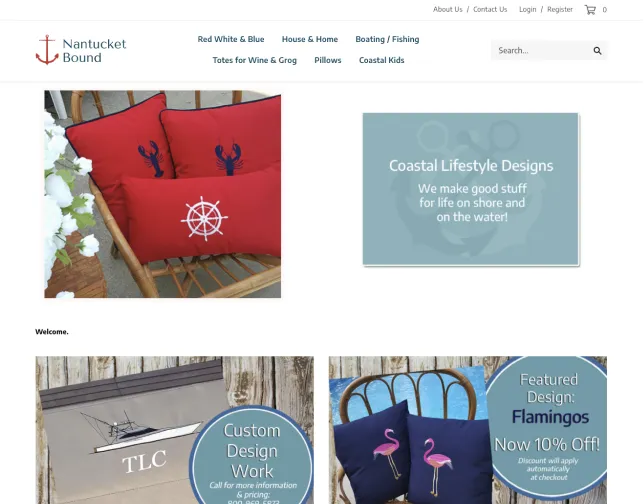
Simple and Customizable Ecommerce Built for Growth
Try it free for 14 days—no credit card required. Free 24/7 support.
START FOR FREE
Everything You Need for Ecommerce Success

Create Stunning Storefronts
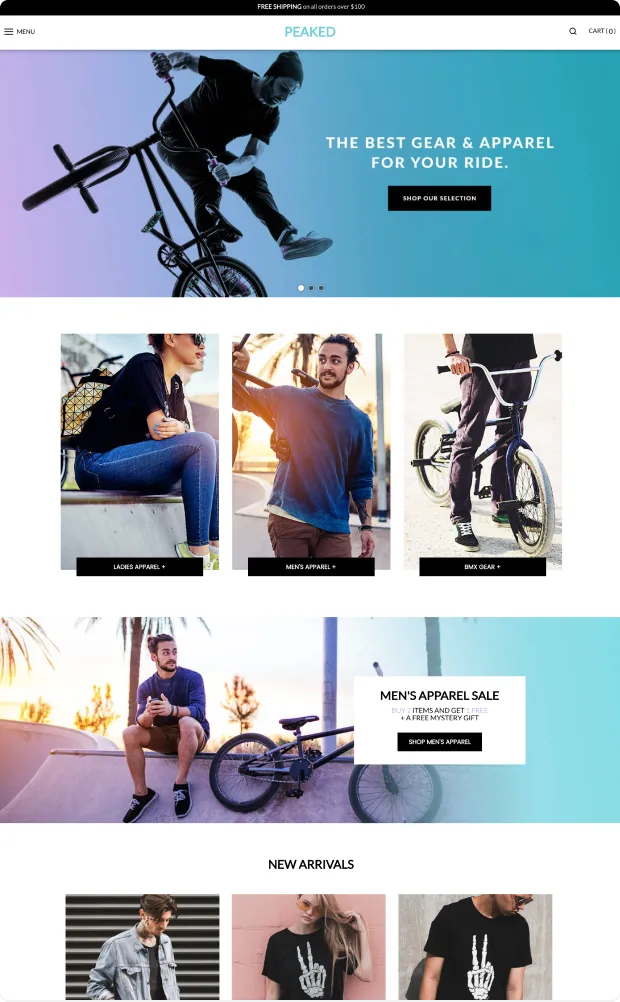
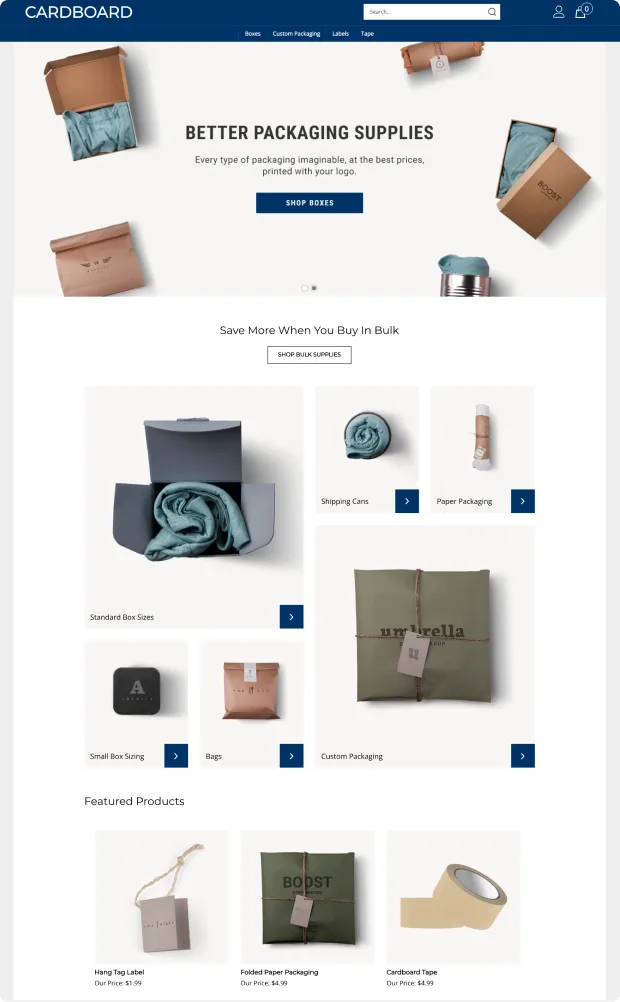
With responsive themes and a comprehensive site builder, you can create a unique store without code in just a few minutes.

Sell With Ease
Enjoy powerful ecommerce features—including inventory management, payment collection, and unlimited product options—in one online store builder.

Expand and Scale
Reach more customers and grow your sales with built-in SEO management, newsletters, a CRM system, and more through our online selling platform.
Smart Themes, Beautiful Sites
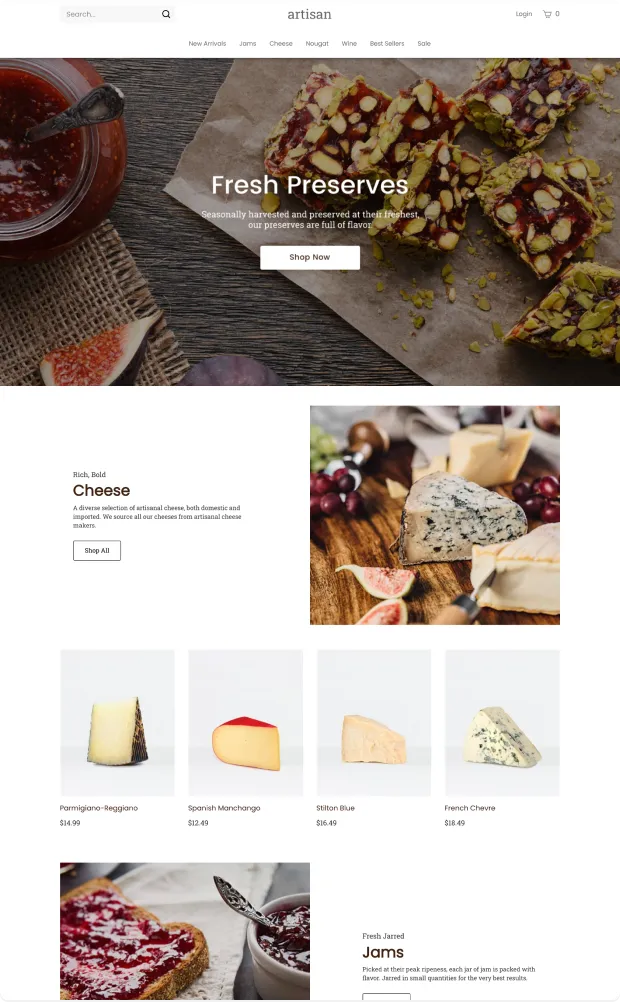
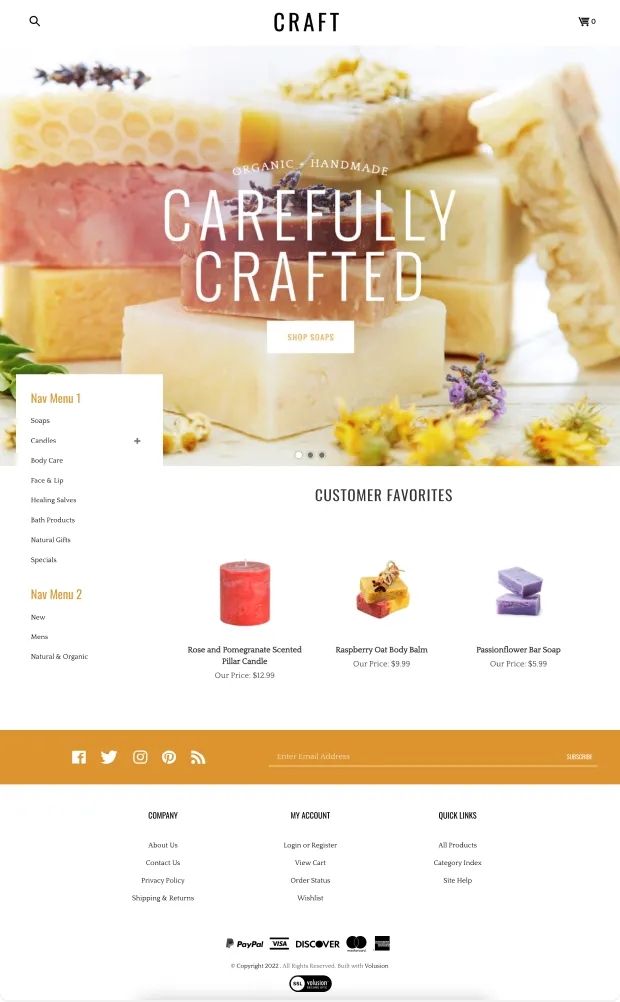

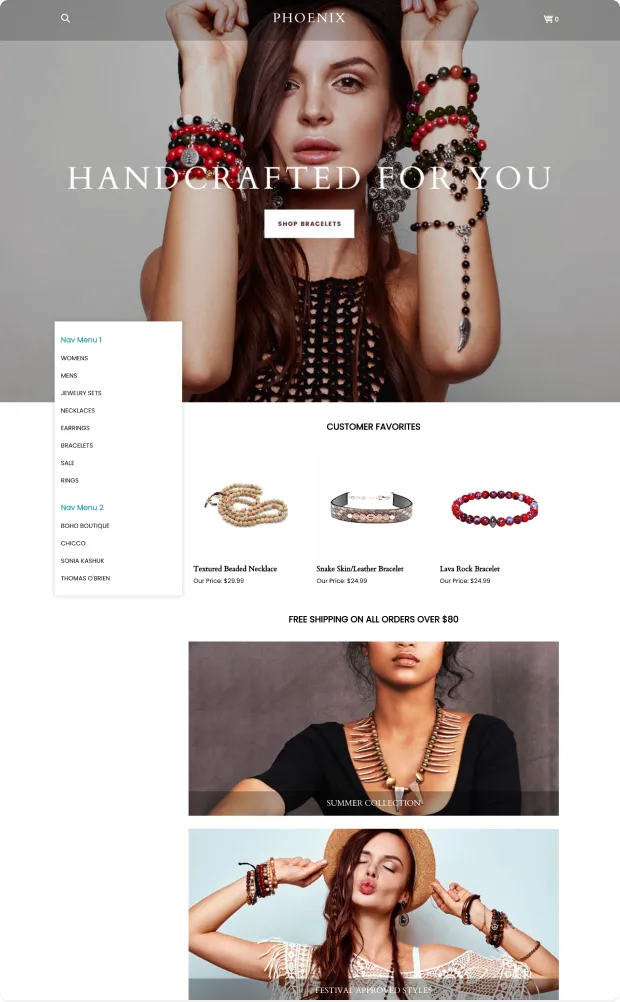


Seamless Checkout Experiences
The Integrations You Love
Easily add advanced functionality to your site with dozens of powerful apps and integrations created by our certified technology partners with our ecommerce platform.



Ecommerce Marketing and Web Design Experts
Customer Success Stories
"Adding an online component to our brick-and-mortar store allowed us to increase both our sales and our footprint—we now have customers across Canada, Europe, South Africa, and more."
Amelia Powell Baggett, Pelindaba Lavender
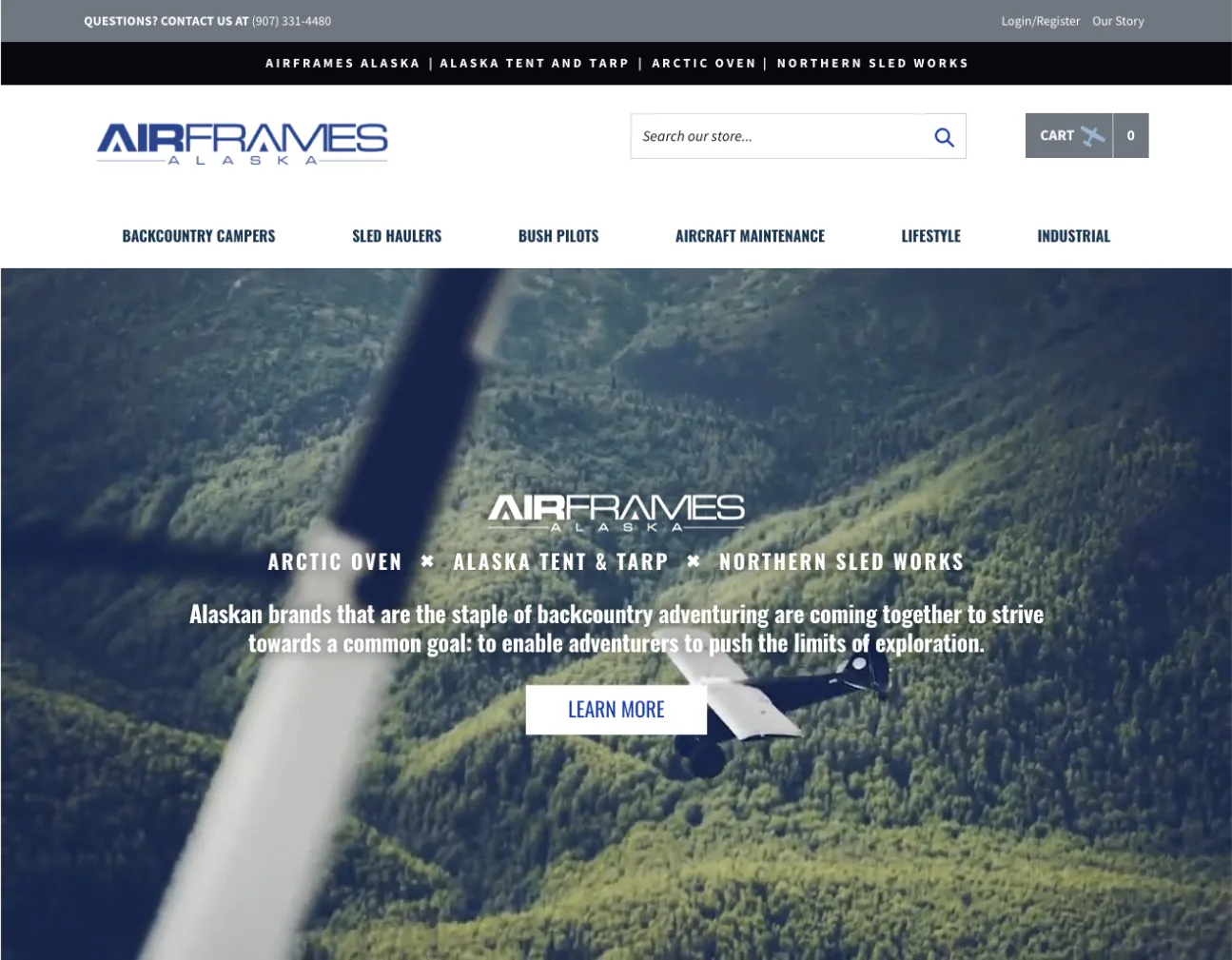
"Volusion is a solution-driven company. Everyone with whom we interact at Volusion is focused on making the platform work—for us, for our customers, and for our integration partners."
Ryan Kedzie, Airframes Alaska

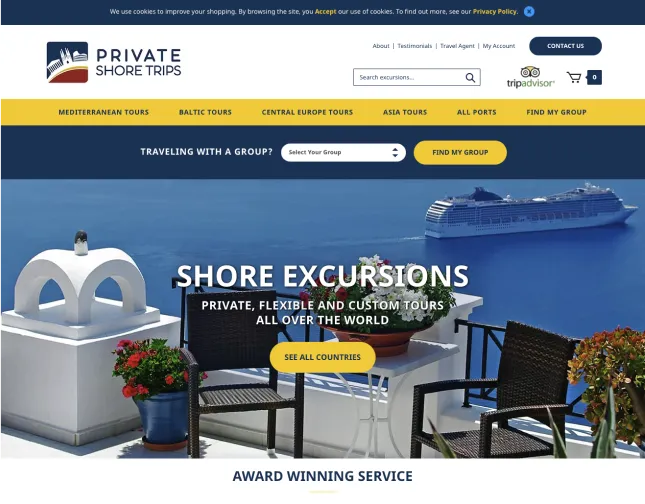
"In addition to the great functionality that comes with a Volusion store, they also offer essential services to keep our business competitive. In addition, Volusion's platform can be integrated with third-party applications that help keep our data, customer information, and mailing lists in order."
Steven Hurley and Ken Diaz, Private Shore Trips
"The Volusion ecommerce solution is very easy to use. I can update my website with products including their descriptions, price, photos, as well as videos. I do not have to rely on another company to make our website changes."
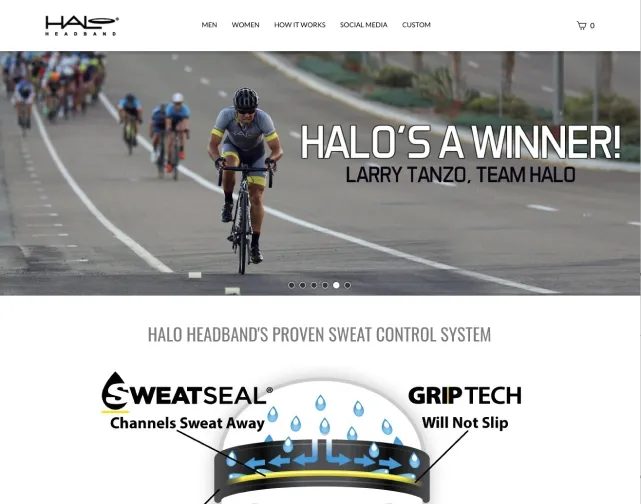
Patrick Ketchen, Halo Headband
"Volusion support is a huge timesaver. The response time is quick and technical support is invaluable when you have limited tech knowledge and need to fix something quickly."
Chris Degnan, Nantucket Bound